How to format a screenplay: a beginner’s guide
Screenplay format looks strict, and it is, but for a good reason: a page in the standard format runs about one minute on screen. Readers, producers and actors all rely on that. The good news is that there are only six elements to learn.
The page
Every screenplay page follows the same setup:
- Paper: US Letter (8.5 × 11 in). A4 is used in some countries, but US Letter is what most readers expect.
- Font: Courier or Courier Prime, 12 point. A fixed-width font is what makes one page roughly one minute.
- Margins: 1.5 in on the left (room for binding), 1 in on the right, top and bottom.
- Page numbers: top right, followed by a full stop (“2.”). The first page of the script has no number, and neither does the title page.
- Length: most feature scripts land between 90 and 120 pages.
The six elements
1. Scene heading (slugline)
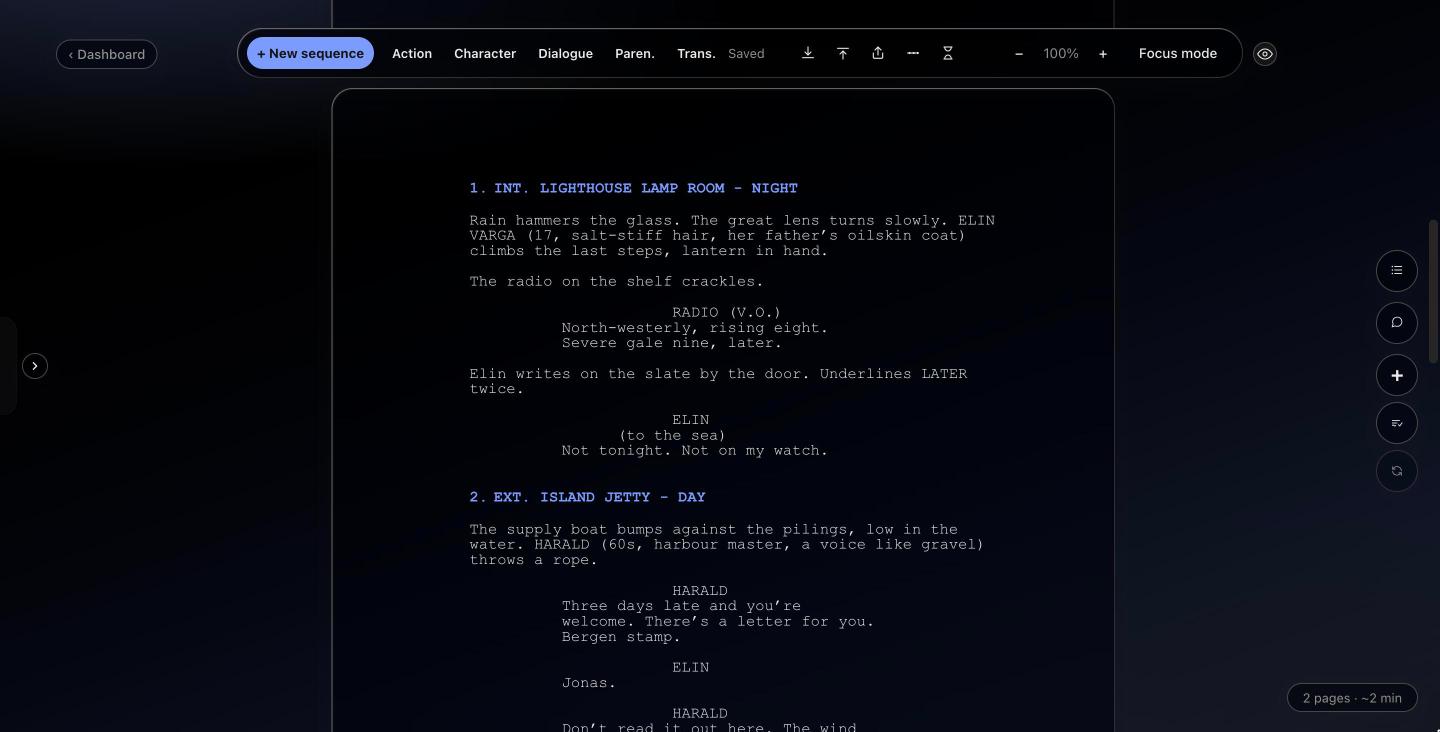
Every new scene starts with a heading in capitals: INT. (inside) or EXT. (outside), the place, then the time of day.
Keep the place name the same every time you return to it. If the lighthouse is “LIGHTHOUSE” in one scene, don’t make it “THE OLD LIGHTHOUSE” in the next: schedules are built from these headings.
2. Action
Action describes what we see and hear, in the present tense, across the full width of the page. Keep paragraphs short (three or four lines at most) and only write what a camera could show. A character’s thoughts belong in what they do or say, not in the action lines.
3. Character
The name of the person speaking, in capitals, about 3.7 in from the left edge of the paper. The first time a character appears in the action, their name is usually in capitals too.
4. Parenthetical
A short note under the character name, in brackets, about how a line is said or a small action during it: (quietly), (to Maya). Use them rarely. If the dialogue makes the tone clear, leave them out.
5. Dialogue
What the character says, in a narrow column starting about 2.5 in from the left edge and about 3.5 in wide. That narrow column is why dialogue-heavy pages read so fast.
6. Transition
Instructions like CUT TO: or DISSOLVE TO:, in capitals, against the right margin. Modern scripts use very few of them; a new scene heading already tells the reader the scene has changed.
A sample scene
When dialogue runs onto the next page
If a speech doesn’t fit at the bottom of a page, it is split between two sentences: the first page ends with (MORE) under the dialogue, and the next page starts with the character’s name again followed by (CONT’D). A scene heading should never be the last line of a page; move it to the next page with the scene.
Common mistakes
- Camera directions everywhere. “CLOSE ON”, “PAN TO” and “WE SEE” belong to the director. Use them only when a shot is essential to the story.
- Long action blocks. A wall of text slows the reader. Break it up by beat.
- Unfilmable lines. “She remembers her childhood” can’t be shown. Show what she does instead.
- Changing place names. Keep every location written the same way.
- Too many parentheticals. Trust the actor, and the line.
How Storywriting handles the format
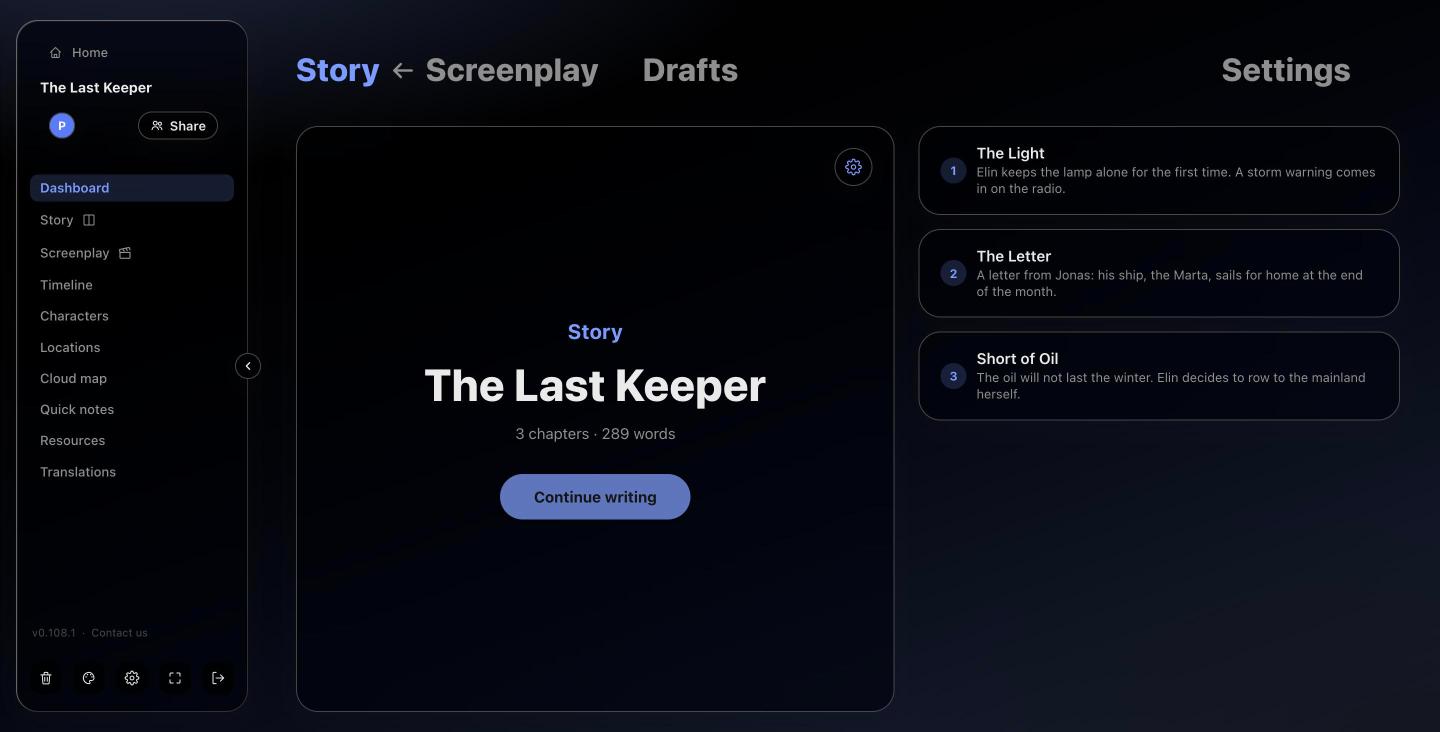
In Screenplay mode every line is one of the six elements, and the layout follows the standard automatically:
- New sequence (or Cmd/Ctrl + Enter) asks for INT. or EXT., the place and the time, and writes the heading for you. Places you have used before are suggested.
- Tab switches the current line between Action, Character, Dialogue, Parenthetical and Transition. Enter after a character name goes straight to dialogue, and after dialogue back to the next character, so a conversation flows without touching the mouse.
- Character names you have already used are suggested as you type.
- The script is shown as real pages, with page numbers from page 2 and (MORE) / (CONT’D) when a speech crosses a page.
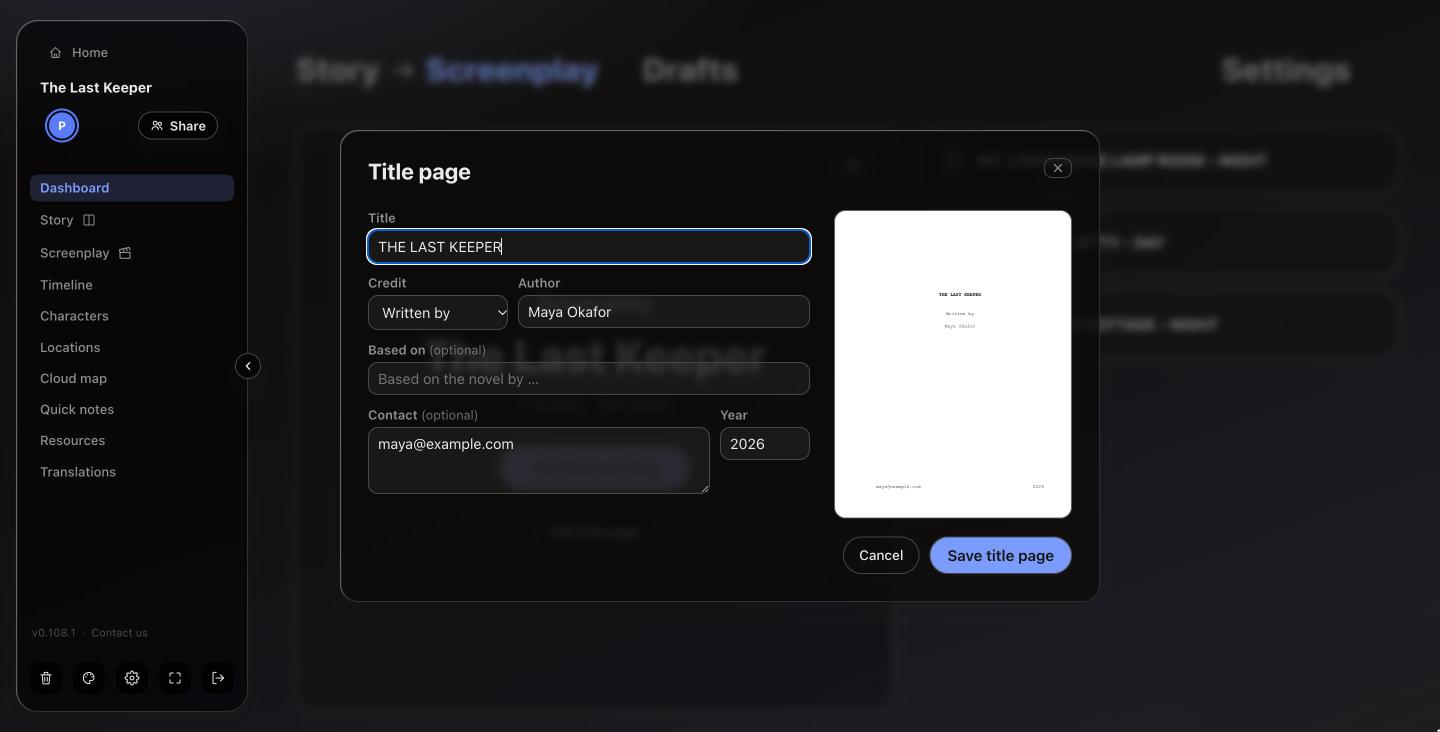
- Export as PDF prints it in the standard format, with your title page first.
Tip: write the first draft fast and fix the format later. With the elements handled for you, there’s much less to fix.